







AI ICON SET GENERATOR

Consistent icon sets, generated with AI.

Create complete icon sets with one shared visual direction. Review and refine individual icons, then export organized assets for your product or brand.

Start for free

Generate matching icons in batches with shared style settings.

Refine individual icons without rebuilding the whole set.

No credit card required

Icon Set Gallery

Financial Dashboard

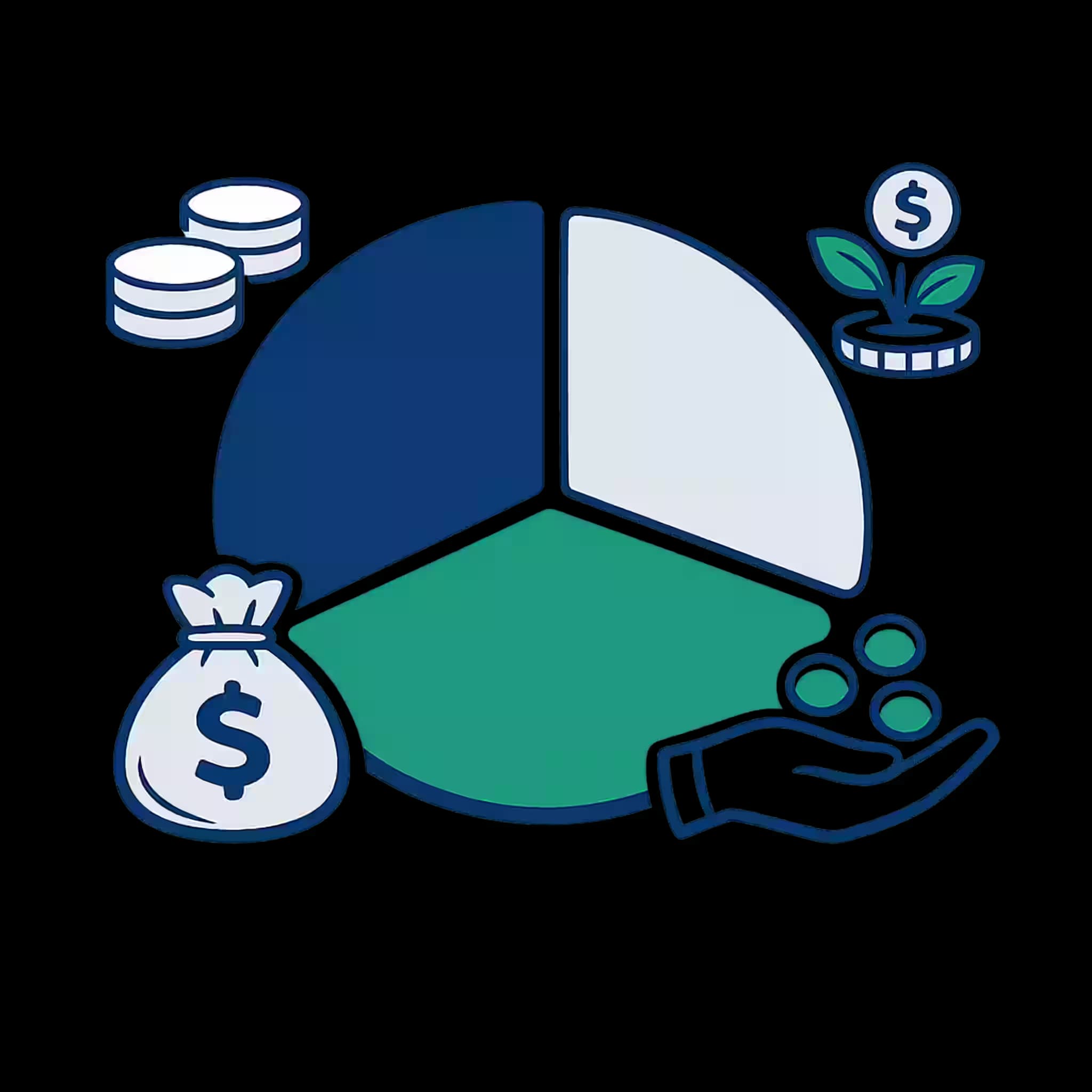
Financial Dashboard — budget allocation
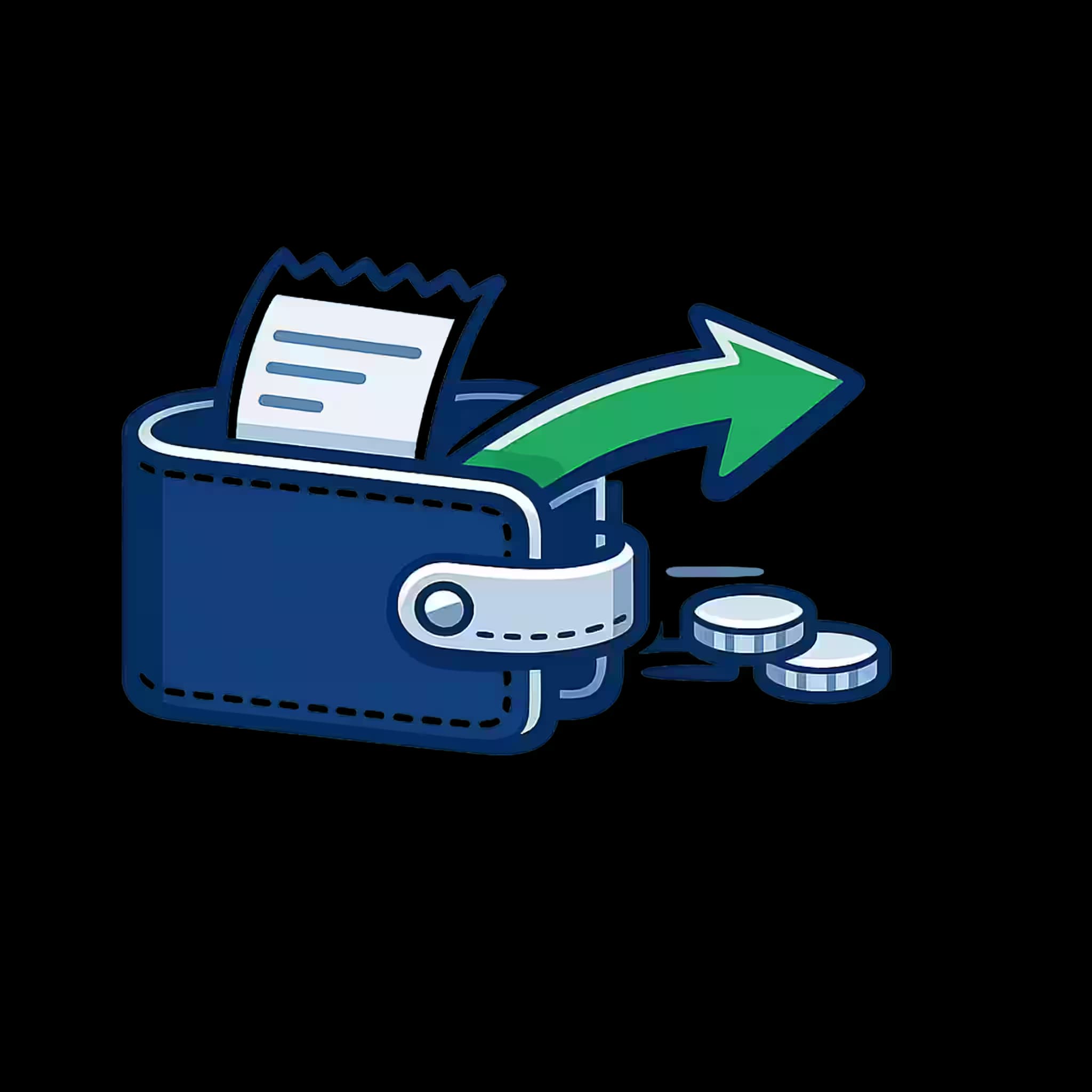
Financial Dashboard — expense outflow
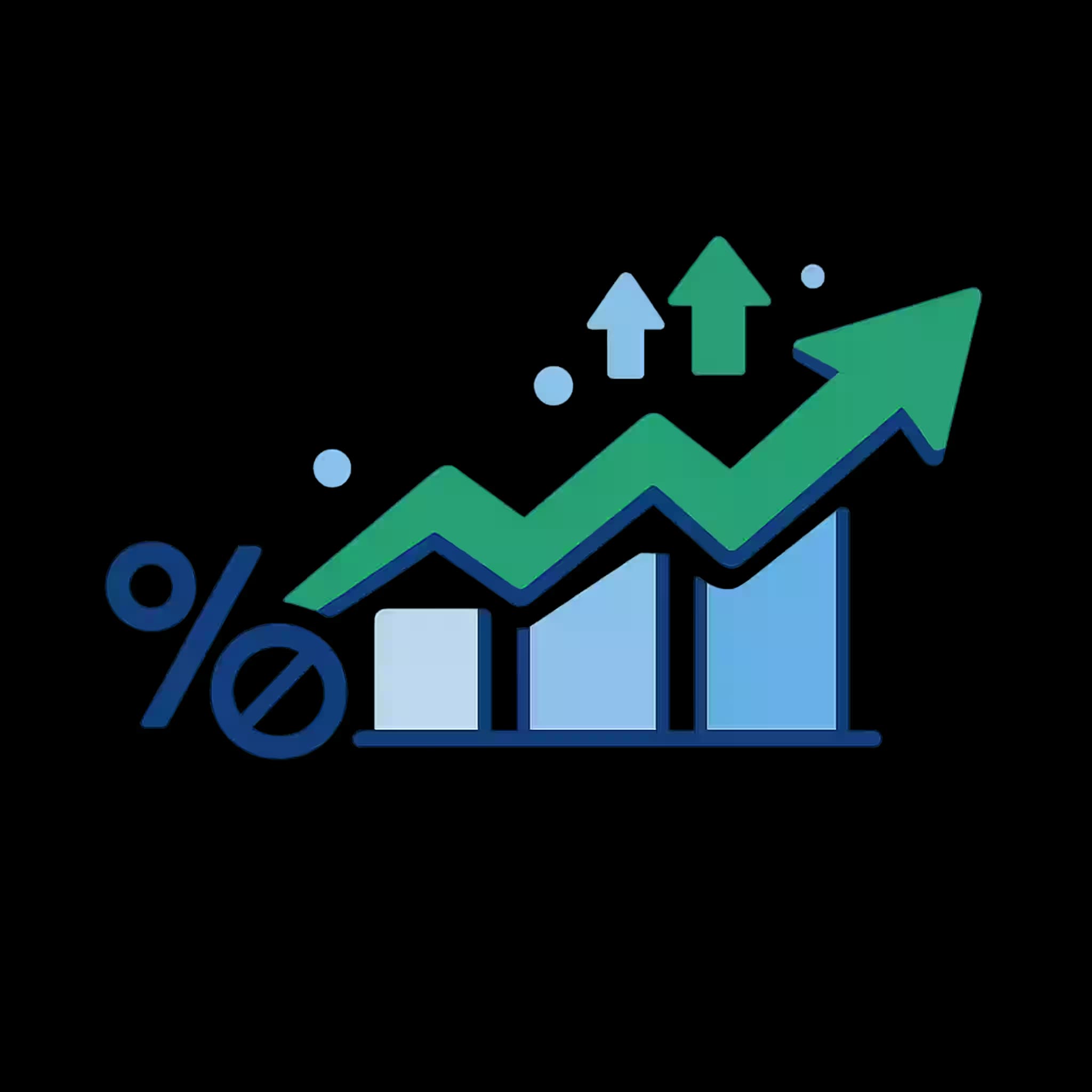
Financial Dashboard — growth rate
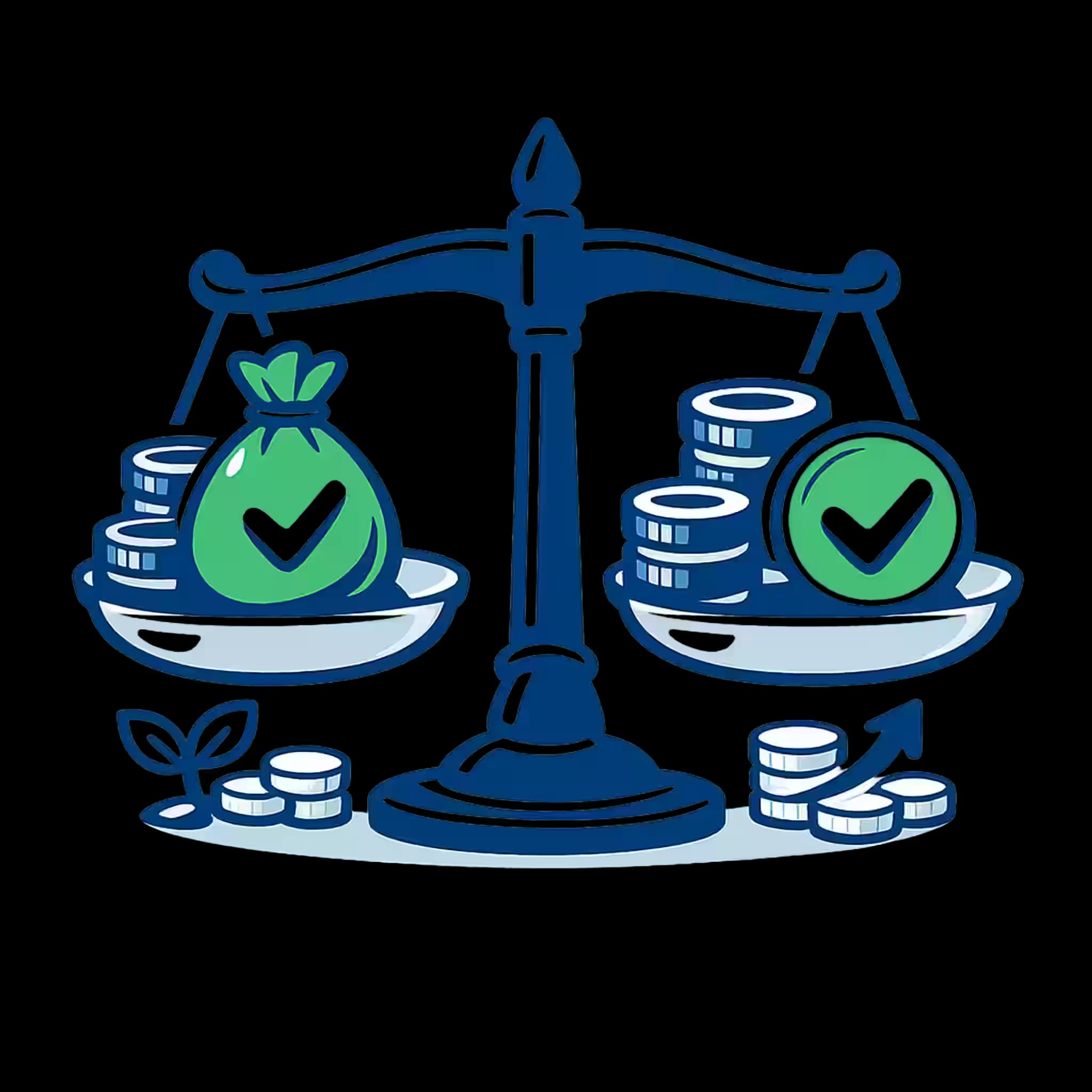
Financial Dashboard — investments assets
Financial Dashboard — net profit
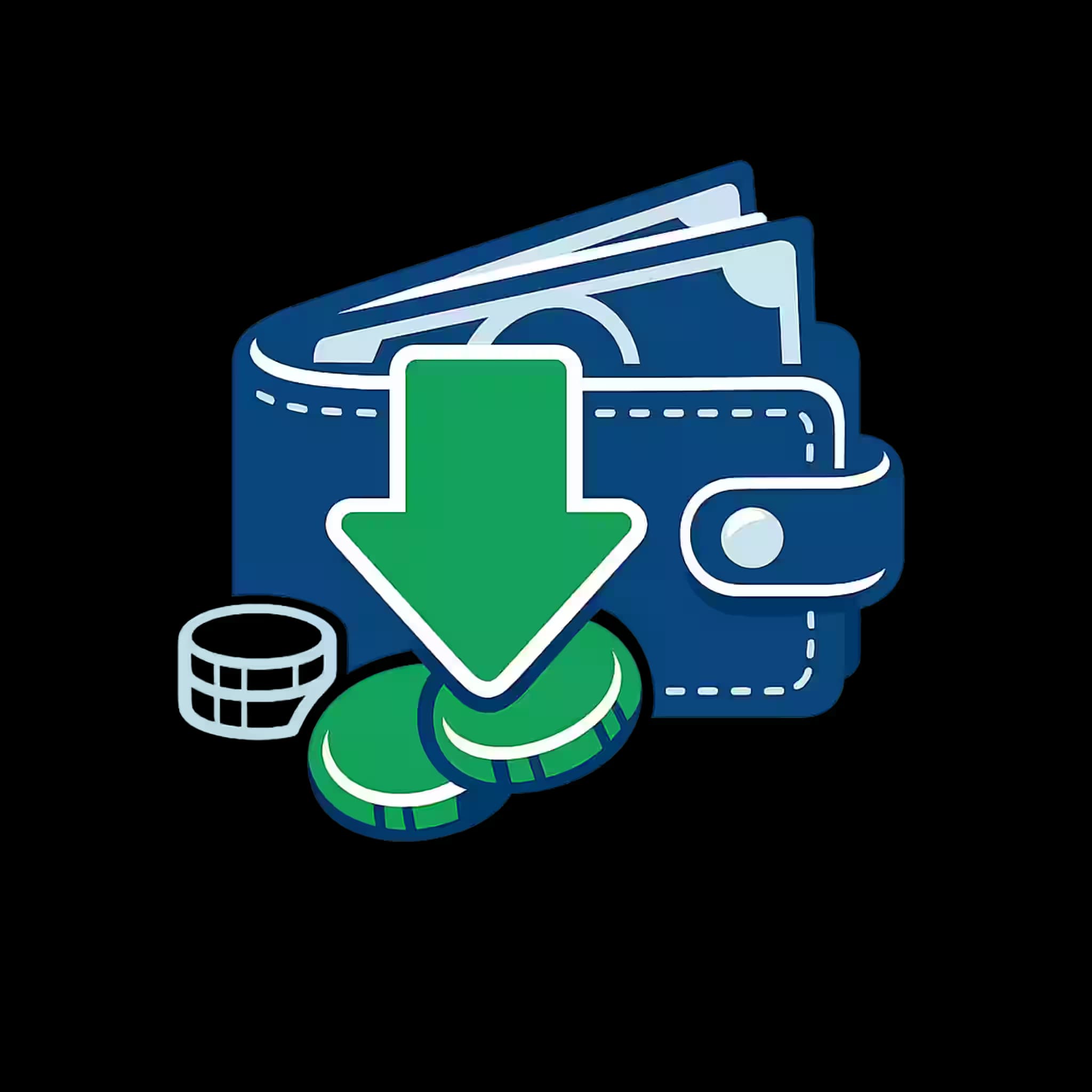
Financial Dashboard — revenue inflow
Six matching icons generated as one consistent set.

Trusted by

Trusted by teams building real products

Companies and product teams use IconFlowLabs to create consistent visual assets for their work.

GENERATED OUTPUT

Explore complete icon families

Explore example icon families across finance, travel, healthcare, commerce, SaaS, and more. Select a family to compare six concepts with one shared visual direction.

Travel App

Six travel concepts shown with one shared visual direction.

Travel App — airplane
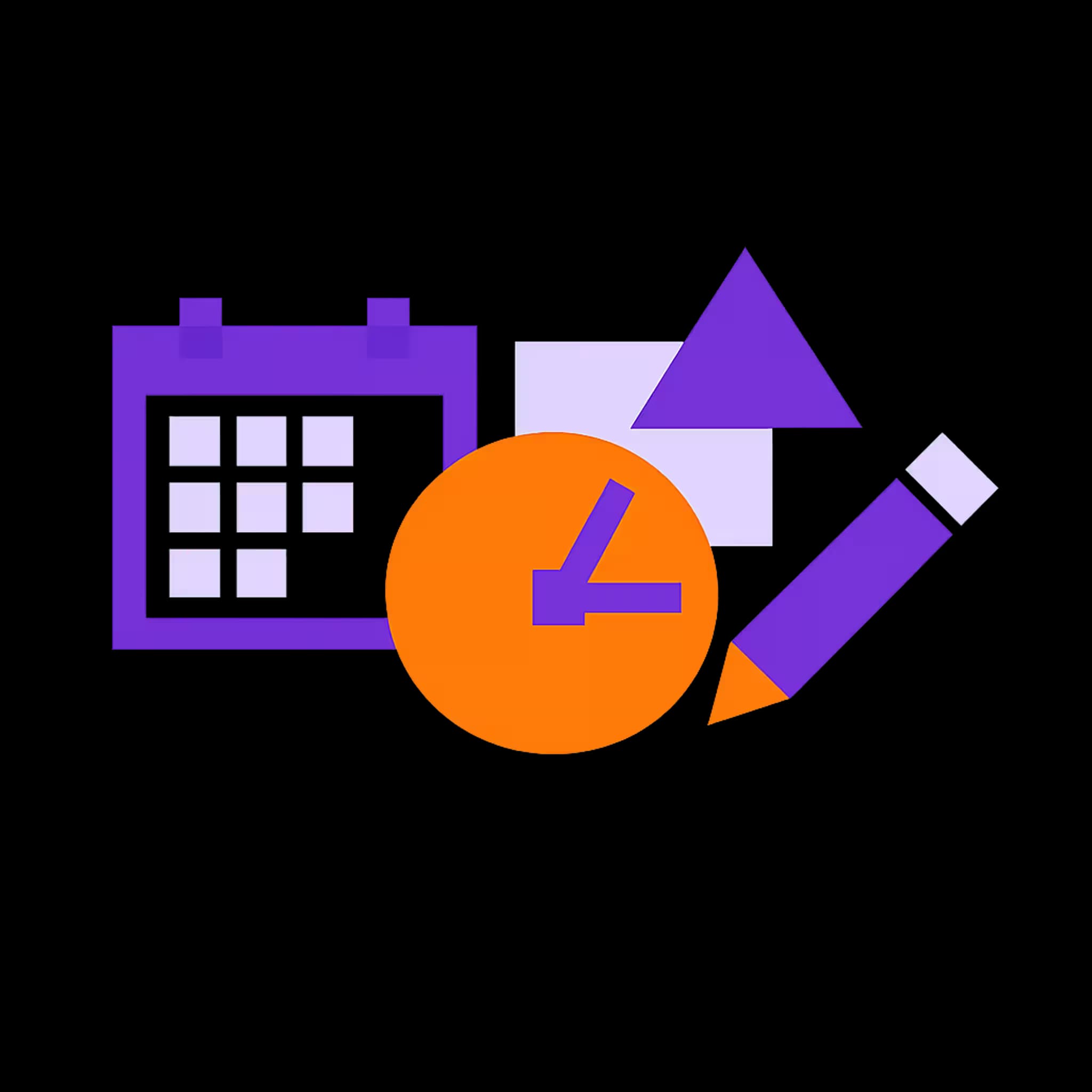
Travel App — calendar
Travel App — compass
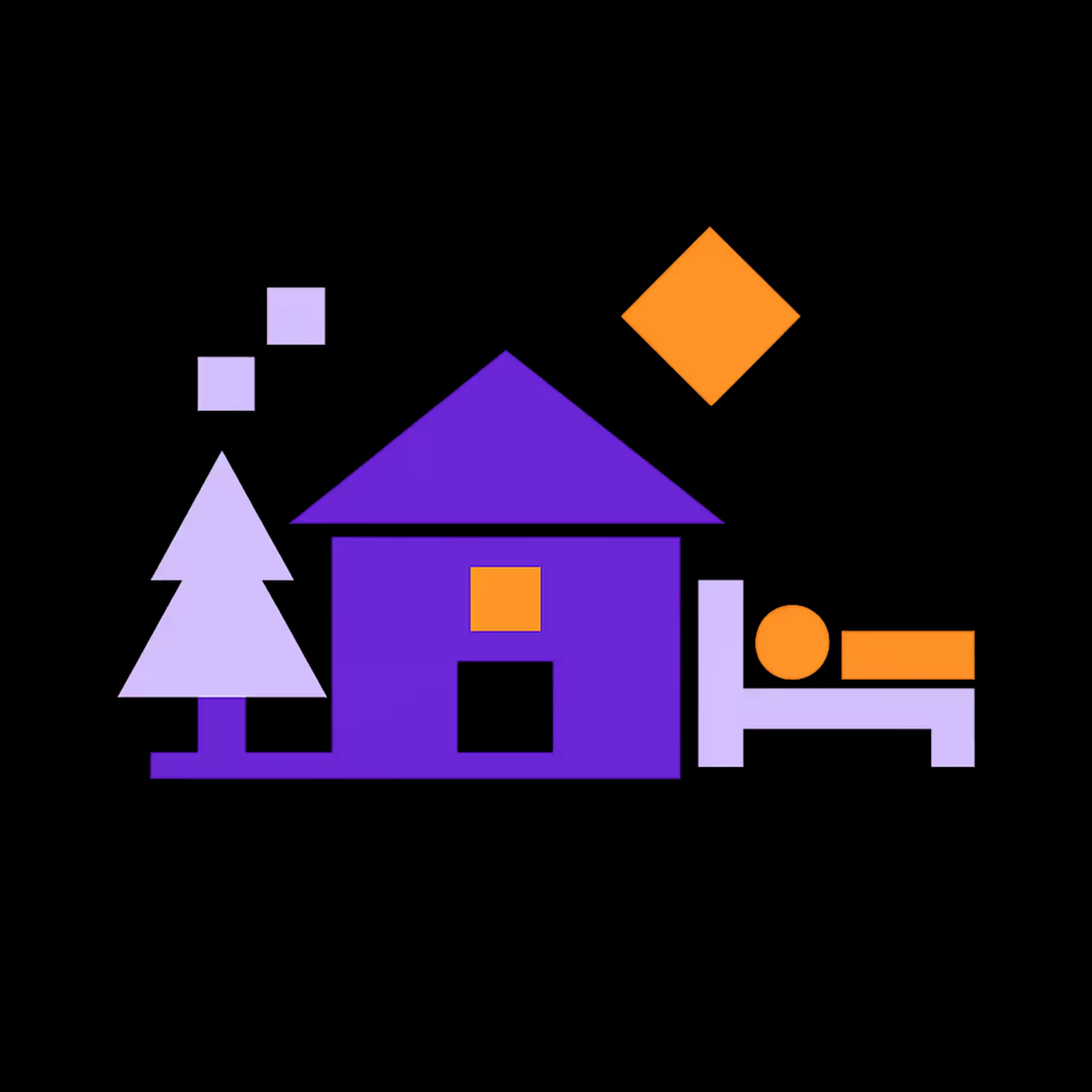
Travel App — hotel bed
Travel App — map pin
Travel App — suitcase

Logo generation, too

Generate distinct logo concepts for brands and products.

Example logo concepts.

STRUXA
STRUXA
PIXEL FORGE STUDIOS
PIXEL FORGE STUDIOS
Astravex
Astravex
Digital Guardian
Digital Guardian
Page 1 of 2

The Problem

Creating icons one by one doesn’t scale.

Manual creation and one-off generation break down when a product needs dozens of assets that still have to feel like one visual system.

  • Repeating the same brief for every asset wastes time.

  • Styles drift as concepts, revisions and contributors multiply.

  • Small changes create unnecessary rework across the whole set.

The IconFlowLabs Way

Generate the system, not isolated icons.

Define the context and visual direction once. Generate a coherent family, review individual outputs, and regenerate selected icons using credits before export.

  • Batch generation

    Create multiple concepts together.

  • Consistent style

    Keep one visual language across the set.

  • Selective regeneration

    Regenerate selected icons; generation credits apply.

  • Organized export

    Export selected assets in supported formats.

Key Features

Built for consistent production

Create coherent icon families, review their visual direction, and export organized assets in one workflow.

Batch Icon Generation

Generate multiple related assets in one batch, organized for product, design-system, and asset-library workflows.

  • One batch, related assets

    Generate multiple concepts under shared settings.

  • Organized from the start

    Keep names and assets ready for review and export.
Advanced Style Customization

Refine palettes, strokes, angles, textures, and variations within the same workflow.

  • Control the visual direction

    Tune palette, stroke, composition, and style.

  • Preview before the full batch

    Validate a sample before generating the remaining assets.

Shared Visual Direction

Apply shared settings across the icon family, then review and refine the results together.

  • Shared settings

    Apply the same controls across the family.

  • Selective regeneration

    Regenerate selected icons without restarting the family; credits apply.

Export Formats

Export organized SVG and PNG assets for Figma, React, Flutter, web, and mobile workflows.

  • Structured export

    Organize existing output by format.

  • For product workflows

    Use exports across design, web, and app projects.

Simple for everyone, powerful for pros

Start with a guided workflow, then open advanced controls whenever you need more precision.

  • Guided workflow

    Follow a clear sequence from concepts to export.

  • Advanced controls

    Open deeper controls when you need more precision.

Distinct Logo Concepts

Generate adaptable logo concepts shaped around your brand direction and ready for review.

  • Multiple concepts

    Explore different visual directions from one brief.

  • Brand-directed refinement

    Develop the selected concept around your visual direction.

Ready to try IconFlowLabs with your own icon set?

Start with 2 free credits. Bring your own concepts, apply one shared visual direction, and review the resulting set before export.

Generate, review, refine and export in one workflow.

No credit card required

Credits

Simple credits. One-time packs.

Start with 2 signup credits. Credits are reserved when generation starts and released if it fails. Buy a one-time pack only when you need more.

  • 2 signup credits

    Create your account and try the product without a credit card.

  • Clear per-asset cost

    Standard generation uses 1 credit per asset. High quality uses 4.

  • Regeneration uses credits

    Each successful regeneration follows the same per-asset cost.

Simplified Workflow

Your workflow in 4 simple steps

A structured process for creating and reviewing icon families and logo concepts while keeping control of the visual direction.

  1. 01

    Prepare your base

    Describe the project or import the icon list.

    Text, structured files, or manual entry.

    How do you want to provide your icon list?

    Upload file
    Describe the listBuild list manually

    TXT · CSV · JSON

  2. 02

    Refine the manifest

    Review names, descriptions and concepts before generation.

    Review the plan before spending generation credits.
    • budget_allocation
    • expense_outflow
    • growth_rate
  3. 03

    Preview and validate

    Review generated icons or logo concepts. Regenerate selected outputs when needed; each regeneration uses credits.

    Check the visual direction before the remaining batch.
    Current settings2 versions
    Financial Dashboard — budget allocationv2
    Financial Dashboard — expense outflowv1
    Financial Dashboard — growth ratev1
    Regenerate icon
  4. 04

    Export your selected assets

    Download an organized ZIP with SVG, PNG, AVIF, WebP, and other supported formats for your design and development workflows.

    Organized files for your workflow.
    Your icons are ready!

    batch_export.zip

    03 × PNG + SVG

    PNGWebPAVIFSVG

User stories

Built for real product work

See how product-minded teams use IconFlowLabs to shape, review and deliver consistent visual assets.

In KitchenWhizz, every recipe, product and allergy required an icon.
IFIconFlowLabs teamProduct team · KitchenWhizz · Internal use case

Internal usage context

The icon scope covered recipes, products and allergy states.

That need shaped a workflow for planning, reviewing and exporting coherent icon families.

The shared style controls let us explore a direction without losing sight of the set as a whole.
MCMaya ChenProduct designer · Northline Studio
Reviewing a sample before generating the rest made the workflow easier to direct and refine.
LMLucas MartinProduct lead · Kanso
When one asset felt off, we could revisit it without starting the complete icon set again.
SASofia AlmeidaDesign systems designer · Forma
The export flow gave us a clean handoff from visual review to production files.
DWDaniel WeberIndependent maker · Looma

FAQ

Frequently Asked Questions

Everything you need to know about IconFlowLabs before getting started.

Your next icon set

Ready to build your consistent icon set?

Bring your own concepts, apply one shared visual direction, then review, refine and export the complete set.

  • 2 free credits
  • No credit card required
  • Activity pulse icon
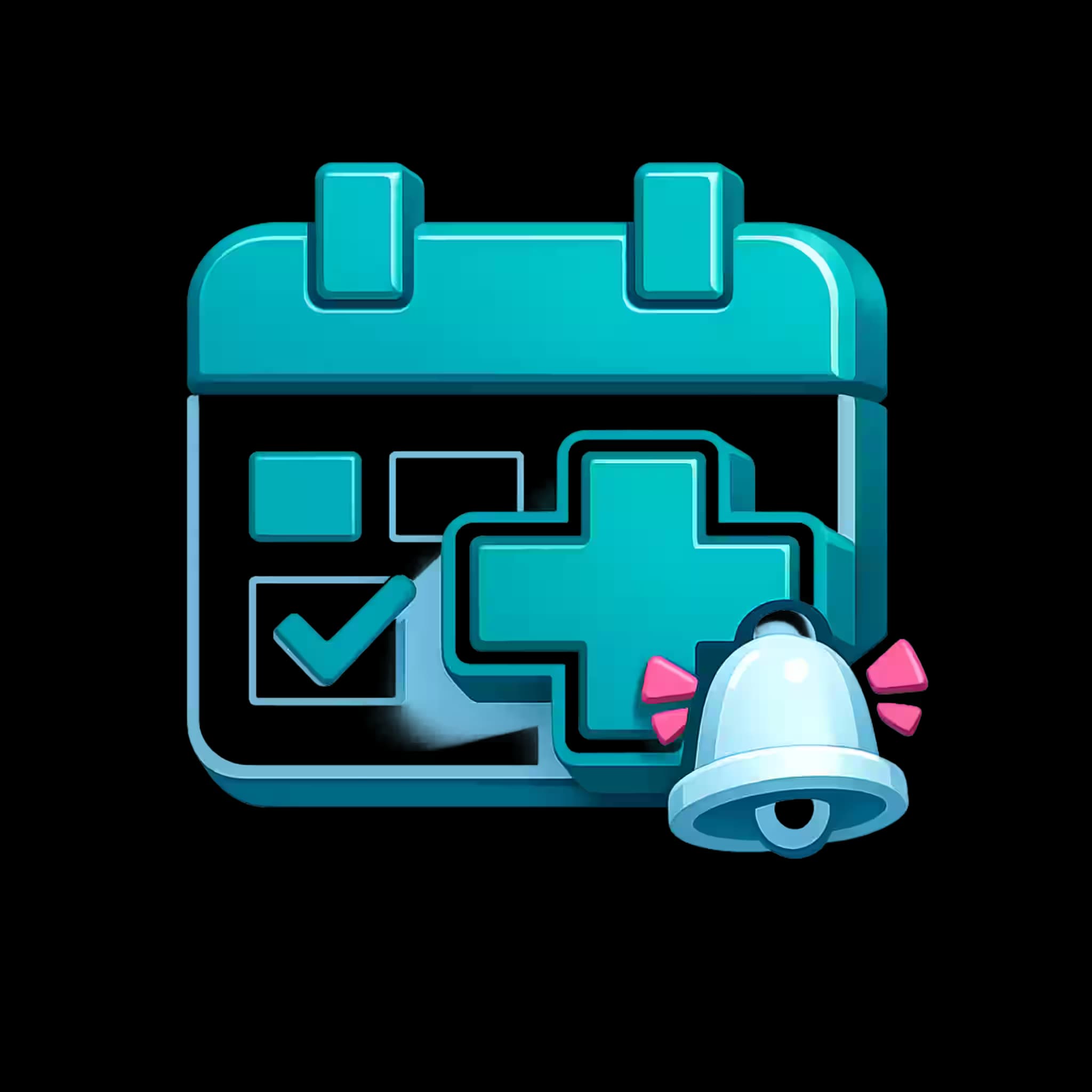
  • Calendar icon
  • Heart icon
  • Medication icon
  • Nutrition icon
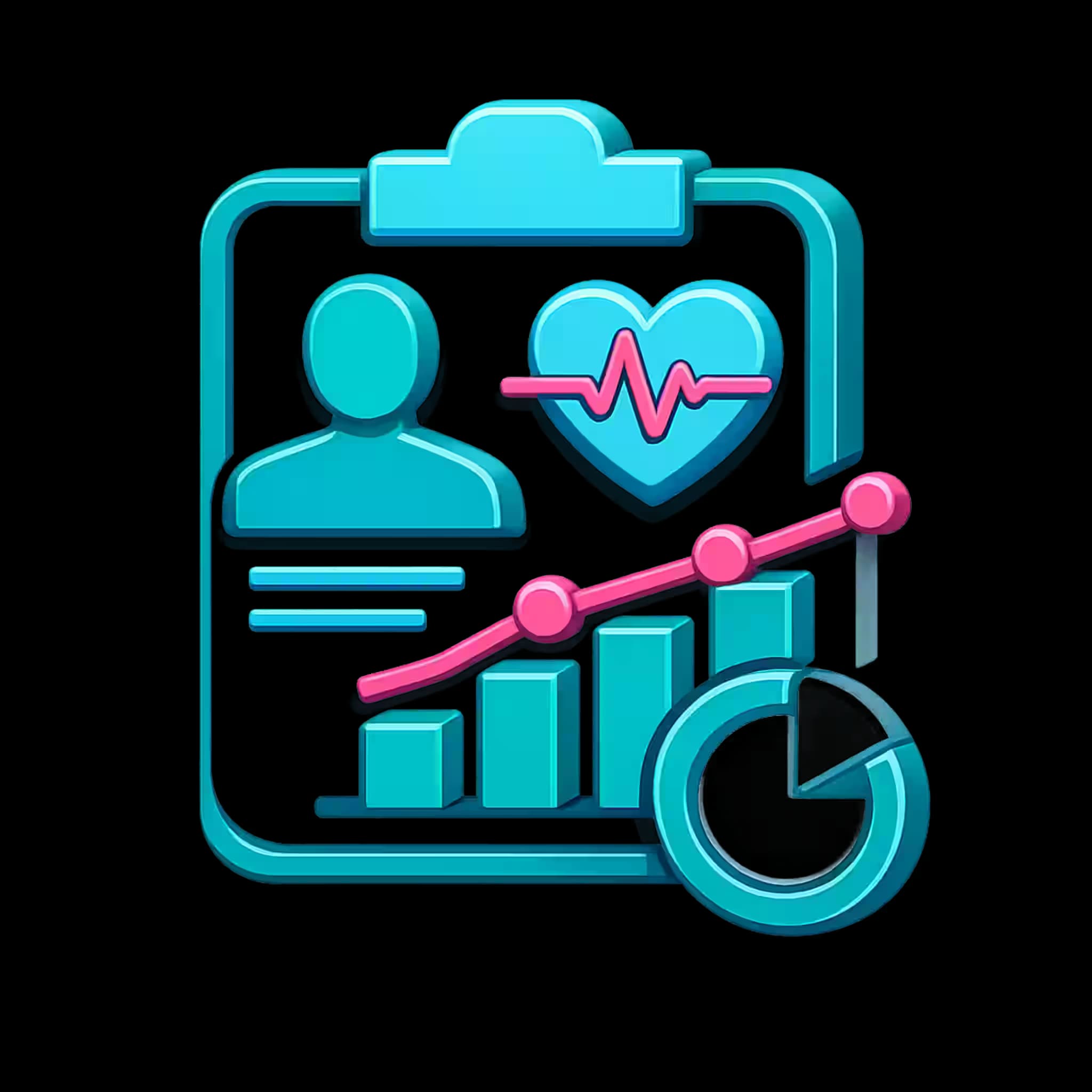
  • Profile icon